This is a log of replacing my home WiFi router after dealing with ~30 connected devices and repeated monthly hangups. I'll cover why the old router kept crashing, how to read WiFi generation differences, the real meaning of those "Mbps" figures, and my final choice between two top-tier models. If your router is getting flaky as device count grows, I hope this helps.
What You'll Learn
- Why routers hang up when connection count grows (and why rated capacity isn't the problem)
- WiFi 5 / 6 / 6E / 7 differences and how to choose the right generation
- Why catalog "Mbps" figures don't represent per-device speed
- Practical comparison: ASUS TUF Gaming BE9400 vs Buffalo WXR-11000XE12
Repeated Hangups Finally Pushed Me to Act
I had been running a TP-Link Archer A10 purchased in 2018 — about six years. Recently it started hanging several times a month, killing all connectivity.
What made it worse: during a hang, even the router's admin panel at 192.168.x.x was unreachable. The only fix was physically pulling the power cable. With firmware updates stopped in 2024, there was no path to improvement — that's when I decided it was time to replace it.
I Had ~30 Devices Without Realizing It
The first thing I did was count connected devices:
- Phones, PCs, tablets: 4 family members — I run separate work, personal, and development machines; the kids each have a school PC, personal PC, and smartphone
- Development devices: Claude Code PC, GPU processing PC, Mac, several Raspberry Pis, iPhone and Android for app testing
- Home appliances and IoT: TV, recorder, AV receiver, smart scale, smart speakers, SwitchBot smart bulb, thermometer, and turtle tank heater…
The total came out to ~30. The kids had accumulated tablets and gaming devices without me noticing.
Why Did the Archer A10 Last This Long?
The Archer A10's rated limit is 48 simultaneous connections, so raw capacity wasn't the direct cause.
The real problem is processing power running dry:
- A 2018 entry-level CPU/RAM isn't designed to steadily handle 30 concurrent devices
- Unpatched memory leaks accumulate with no firmware updates
- Repeated monthly hangs fit the textbook pattern of connection tables being exhausted
The bottom line: old hardware can't keep up with modern usage patterns, regardless of the rated connection count.
A Quick WiFi Generation Guide
| Generation | Standard | Bands | Multi-device performance |
|---|---|---|---|
| WiFi 5 | 802.11ac | 2.4 + 5 GHz | △ Struggles with many devices |
| WiFi 6 | 802.11ax | 2.4 + 5 GHz | ◎ OFDMA — major improvement |
| WiFi 6E | 802.11ax | 2.4 + 5 + 6 GHz | ◎ 6 GHz adds interference-free band (weaker through walls) |
| WiFi 7 | 802.11be | 2.4 + 5 + 6 GHz | ◎ MLO (multi-link operation) is the headline feature |
For my setup, the meaningful upgrade is WiFi 5 → WiFi 6. OFDMA dramatically improves concurrent transmission efficiency. WiFi 6E adds the 6 GHz band for less interference, though it attenuates more through walls.
Those "Mbps" Figures Aren't Per-Device Speed
Router specs lead with numbers like "AXE11000" or "11,000 Mbps." These are total theoretical throughput across all bands combined — not what any single device experiences.
For high-device-count environments, focus on total capacity, not peak speed. The gap between my old Archer A10 (~2,600 Mbps) and the candidates (~9,000–11,000 Mbps) represents a completely different order of processing headroom.
Down to Two Finalists
My requirements narrowed the field quickly:
- WiFi 6 or above (OFDMA required)
- Sufficient capacity for 30+ concurrent connections
- Budget under ¥40,000
- EasyMesh / AiMesh support for future expansion
| Model | WiFi | Total capacity | Mesh | Released | Rated devices | Amazon price | FW support |
|---|---|---|---|---|---|---|---|
| ASUS TUF Gaming BE9400 (chosen) | WiFi 7 | ~9,400 Mbps | AiMesh (wide support) | Dec 2025 | 56 | ~¥30,000 | ◎ |
| Buffalo WXR-11000XE12 | WiFi 6E | ~10,800 Mbps | EasyMesh (limited) | Apr 2023 | 60 | ~¥40,000 | ○ |
Why I Chose the TUF Gaming BE9400
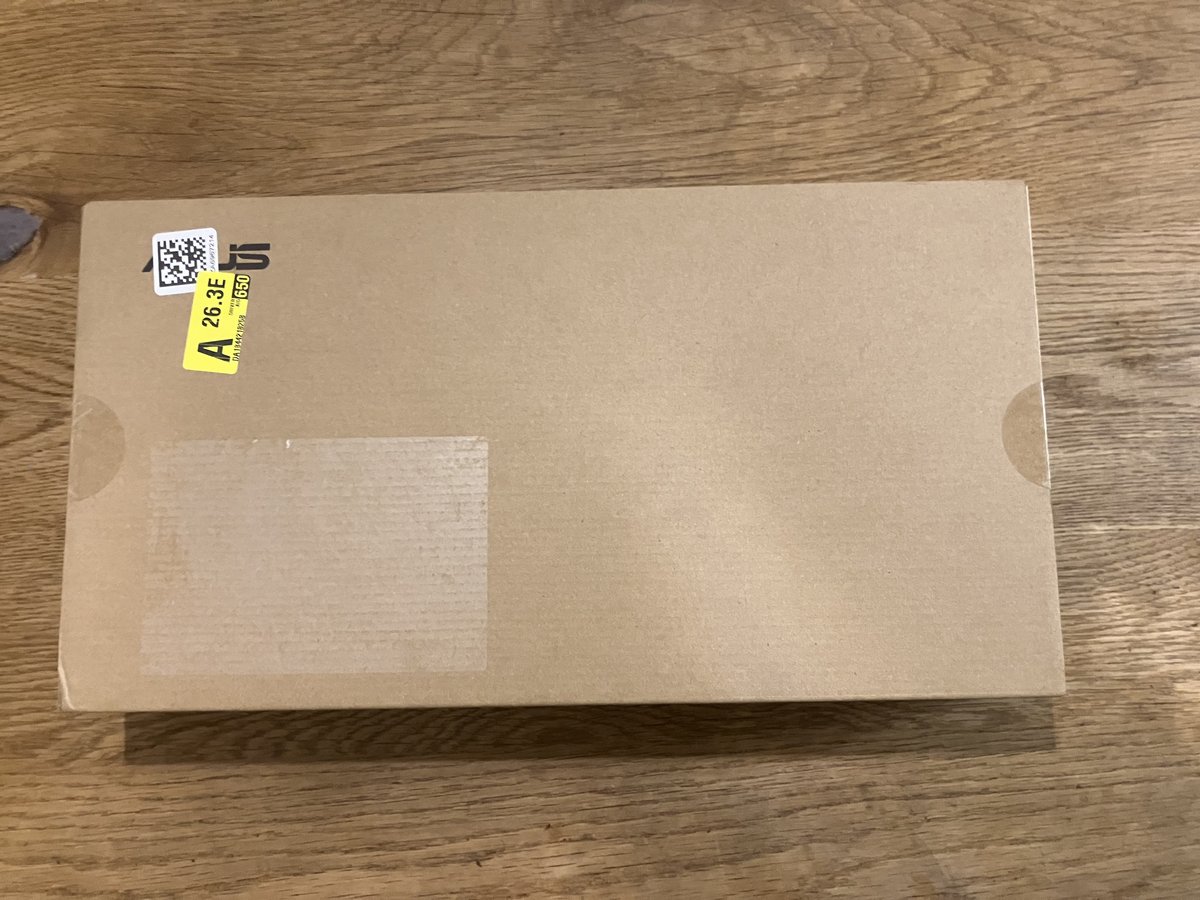
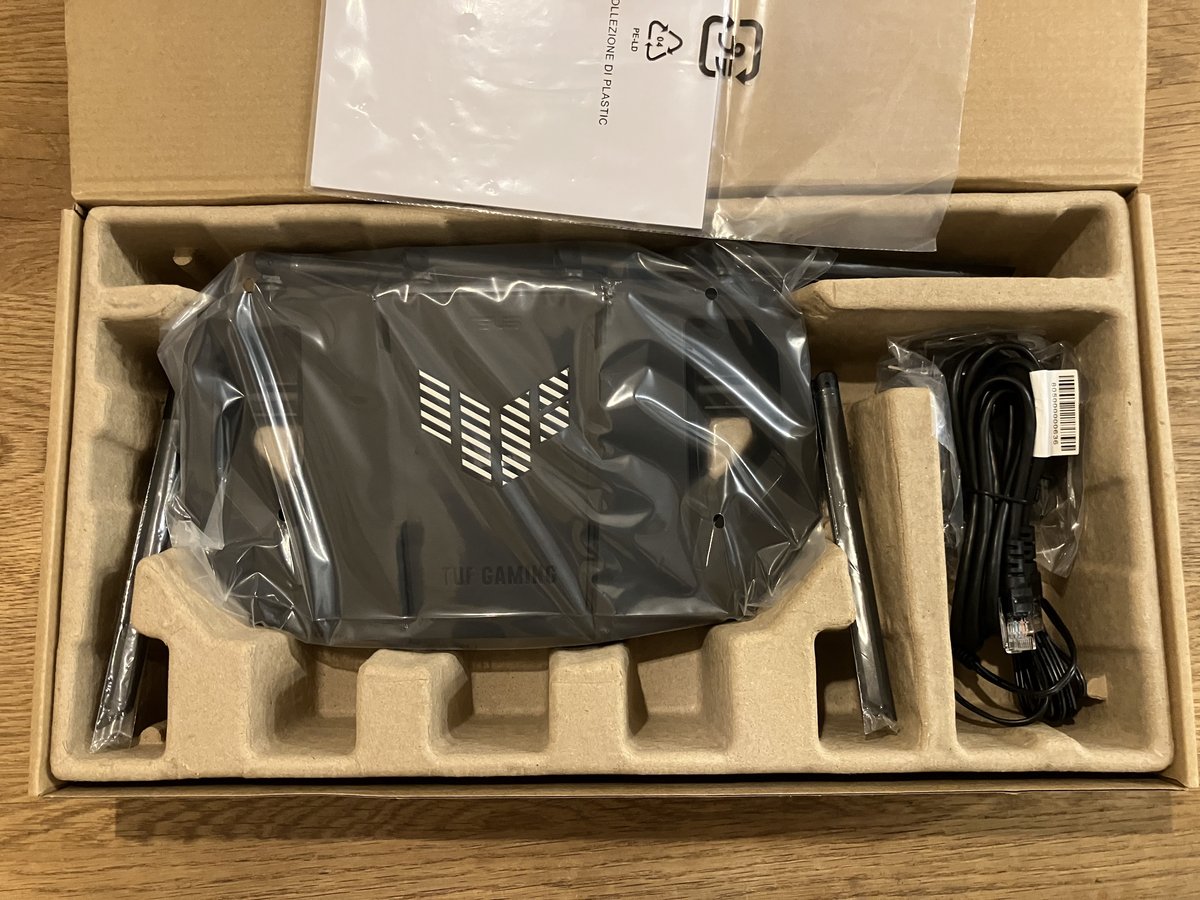
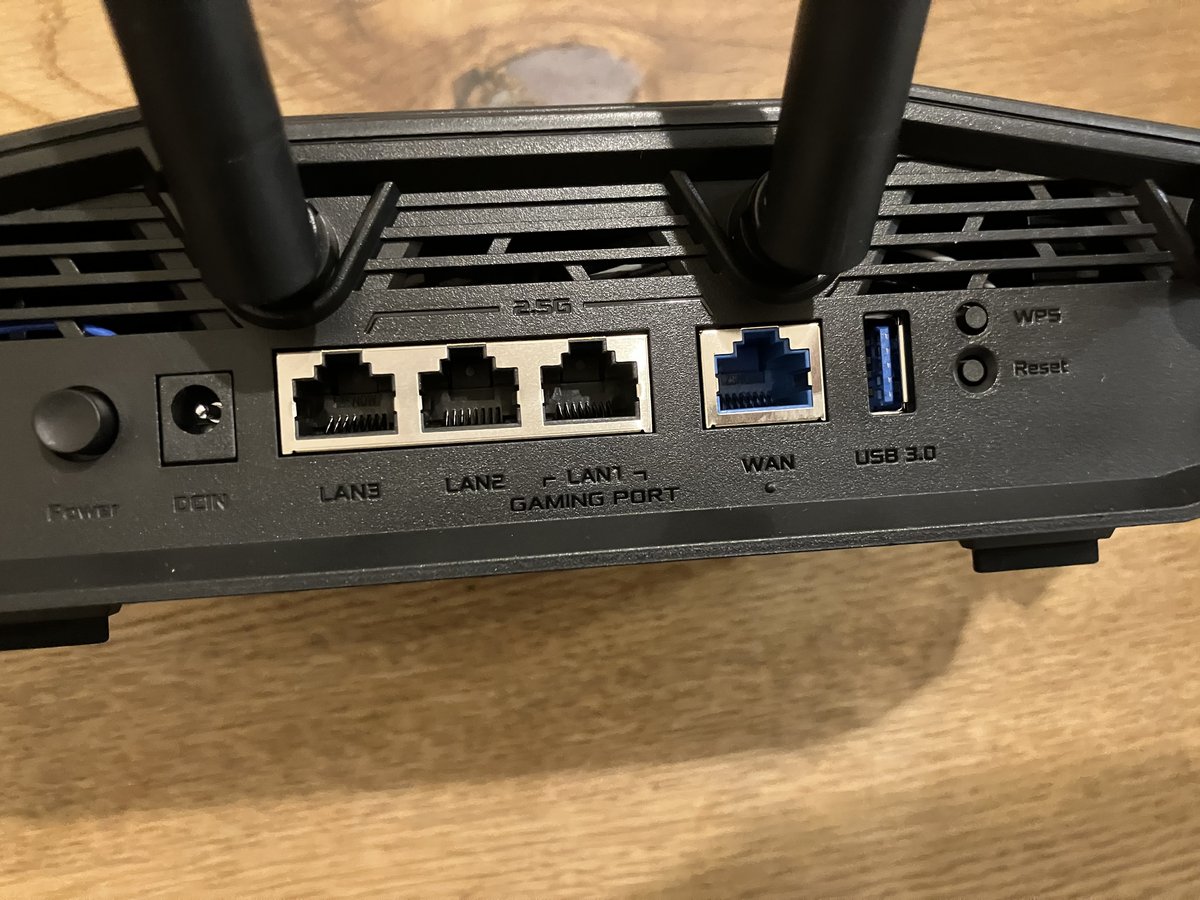
I went with the ASUS TUF Gaming BE9400. Three reasons:
① WiFi 7 + AiMesh is the more flexible long-term combination
MLO — WiFi 7's headline feature — requires client devices to also be WiFi 7, so I won't see that benefit right away. But AiMesh gives me access to ASUS's broad lineup of satellite nodes for future expansion. EasyMesh is an open standard in theory, but compatible devices are limited in practice.
② Release date gap means more firmware runway
The WXR-11000XE12 launched in April 2023; the TUF BE9400 launched in December 2025 — a 2.5-year gap. After getting burned by abandoned firmware on the Archer A10, I put real weight on how many years of support are likely remaining.
③ The ¥10,000 price difference is hard to justify the other way
At ~¥40,000 on Amazon, the WXR-11000XE12's advantages — 4×4 MIMO across all three bands, 10 Gbps wired port — are real. But my home runs entirely on WiFi (no wired LAN runs to individual rooms), and my current devices are WiFi 5 and 6. That spec headroom is oversized for this environment, and ¥10,000 extra for it didn't add up.
Routers That Didn't Make the Cut
Every model I seriously considered, and why each was dropped:
| Model | WiFi | Total capacity | Mesh | Price | Why dropped |
|---|---|---|---|---|---|
| ASUS RT-BE92U | WiFi 7 | ~9,700 Mbps | AiMesh | ~¥37,600 | Same generation and feature set as the TUF BE9400, but ~¥8,000 more. 10 Gbps WAN is overkill on a 1 Gbps fiber line. |
| ASUS RT-AX86U Pro/J | WiFi 6 | ~5,700 Mbps | AiMesh | ~¥38,700 | Priced close to WiFi 7 options but one generation behind. Hard to justify. |
| TP-Link Deco XE75 Pro | WiFi 6E | ~5,400 Mbps | OneMesh | ~¥15,800 | Attractive price, but total capacity is less than half the other finalists — not enough headroom for ~30 devices. |
| TP-Link Archer A10 (current) | WiFi 5 | ~2,500 Mbps | None | — | Firmware updates stopped, processing limit reached. The router being replaced. |
Deployment Plan: Start with One Unit
My apartment is a single floor with four rooms. There's a LAN jack built into the central hallway closet, which lets me position the router near the middle of the floor — a real advantage.
The weak spot is my office at the far end with no wired LAN run. I'll start with one TUF Gaming BE9400 and add an AiMesh-compatible node near the office if signal turns out to be insufficient (wireless backhaul is supported).
FAQ
Q. Is WiFi 7 worth buying today?
A. It depends on pricing. I chose the TUF Gaming BE9400 because it was cheaper than comparable WiFi 6E options — not because of WiFi 7's MLO features specifically. MLO still requires WiFi 7 client devices to deliver its benefits. If a WiFi 7 router is priced similarly to a WiFi 6E model, the newer generation is worth it for the longer firmware support runway alone.
Q. Should I actively use the 6 GHz band on WiFi 6E/7?
A. The 6 GHz band has less interference but attenuates more through walls. For cross-room use, 5 GHz is often more stable. Leave band steering to the router's auto settings.
Q. Can I trust the rated connection count?
A. The rated count is an association limit, not a "stable throughput" guarantee. Entry-level hardware from older generations hits CPU/RAM limits well before the connection count ceiling.
Q. When should I add a mesh extender?
A. If one specific room consistently shows speed drops or disconnects after the main router is installed, that's the signal. Start with one unit and extend only where needed.
※ Prices and specs in this post are current as of May 2026. Please verify before purchasing.
Summary
When a router starts acting up as device count grows, the fix isn't chasing the highest connection-count spec — it's upgrading to a generation with more processing headroom. OFDMA support matters more than peak Mbps for dense home networks.
WiFi 7 is compelling but requires client-side hardware to deliver its headline features. That said, if a WiFi 7 router is priced at or below WiFi 6E alternatives, the newer generation wins on firmware longevity alone.
If this post helped, share it on X (Twitter) — it means a lot.
Routers Mentioned
- ASUS TUF Gaming BE9400 — WiFi 7, AiMesh-compatible, released Dec 2025. Best value when a WiFi 7 router undercuts the WiFi 6E competition on price.
- Buffalo WXR-11000XE12 — WiFi 6E, 12 streams (4×4 per band), 10 Gbps wired. Strong multi-device handling for power users.
App by the Author
I built an iOS reading tracker app called My Bookstore, available on the App Store. Great for keeping a simple reading list.
Related Posts
- Setting Up HyperFrames on a Linux Server [GPU-Free, Japanese Font Tofu Fix Included]
- Automating Blog Updates with Claude Code [Weekly Cron, Image Pipeline, Full Build Log]
※ This blog is experimenting with Claude Code-assisted updates.

No comments:
Post a Comment